Main Screen Templates
Each head unit manufacturer supports a set of user interface templates. These templates determine the position and size of the text, images, and buttons on the screen. Once the app has connected successfully with an SDL enabled head unit, a list of supported templates is available on sdlManager.getSystemCapabilityManager().getDefaultMainWindowCapability().getTemplatesAvailable().
Change the Template
To change a template at any time, use ScreenManager.changeLayout(). This guide requires SDL JavaScript Suite version 1.2. If using an older version, use the SetDisplayLayout RPC.

Note
When changing the layout, you may get an error or failure if the update is "superseded." This isn't technically a failure, because changing the layout has not yet been attempted. The layout or batched operation was cancelled before it could be completed because another operation was requested. The layout change will then be inserted into the future operation and completed then.
const templateConfiguration = new SDL.rpc.structs.TemplateConfiguration()
    .setTemplate(SDL.rpc.enums.PredefinedLayout.GRAPHIC_WITH_TEXT);

const success = await sdlManager.getScreenManager().changeLayout(templateConfiguration);
if (success) {
    console.log('Layout set successfully');
} else {
    console.log('Layout not set successfully');
}
Template changes can also be batched with text and graphics updates:
sdlManager.getScreenManager().beginTransaction();
sdlManager.getScreenManager().setTextField1('Line of Text');
// The promise returned by changeLayout will not resolve because it is part of a batch update, and the await operator should be avoided as a result
sdlManager.getScreenManager().changeLayout(templateConfiguration);
sdlManager.getScreenManager().setPrimaryGraphic(<#SDLArtwork#>);
const success = await sdlManager.getScreenManager().commit();
if (success) {
    console.log('Text, Graphic, and Template changed successful');
}
Available Templates
There are fifteen standard templates to choose from, however some head units may only support a subset of these templates. The following examples show how templates will appear on the Generic HMI and Ford's SYNC® 3 HMI.
Media
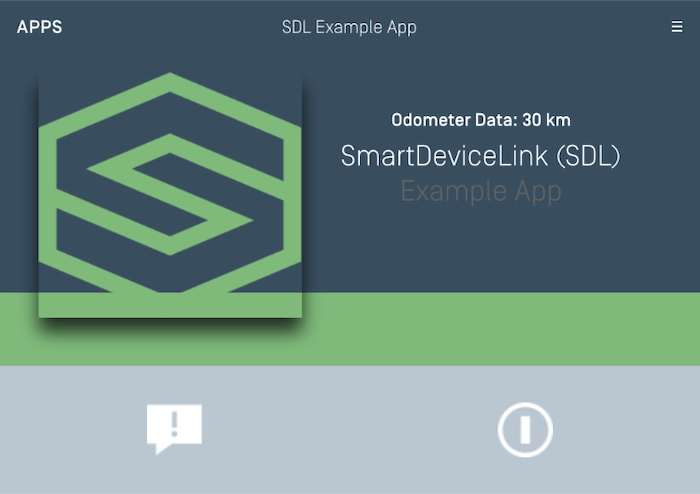
Media (with a Progress Bar)
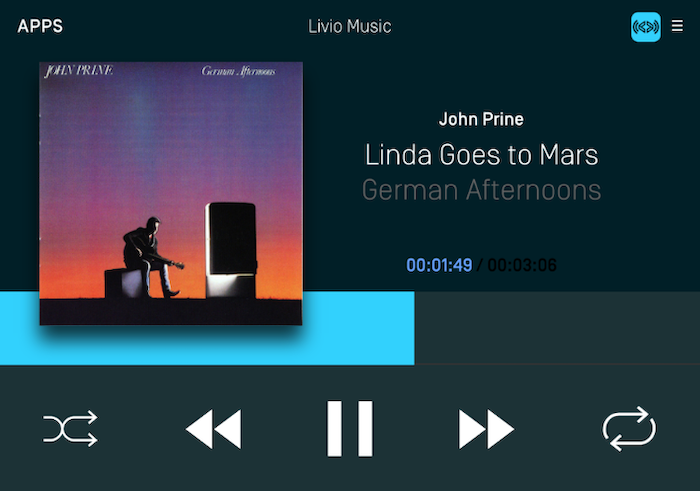
Non-Media
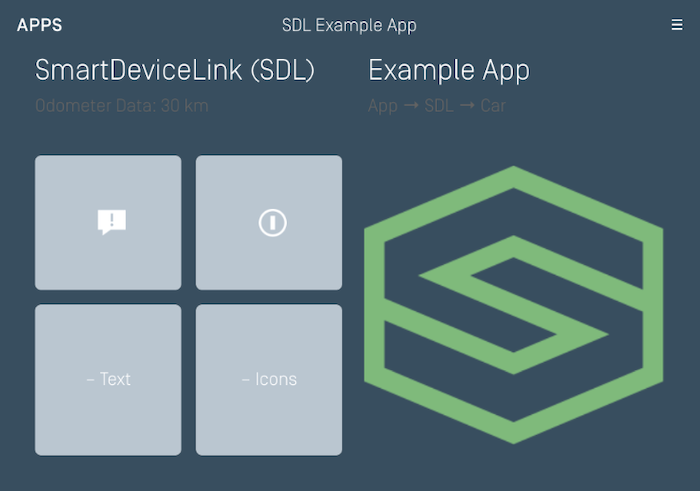
Graphic with Text
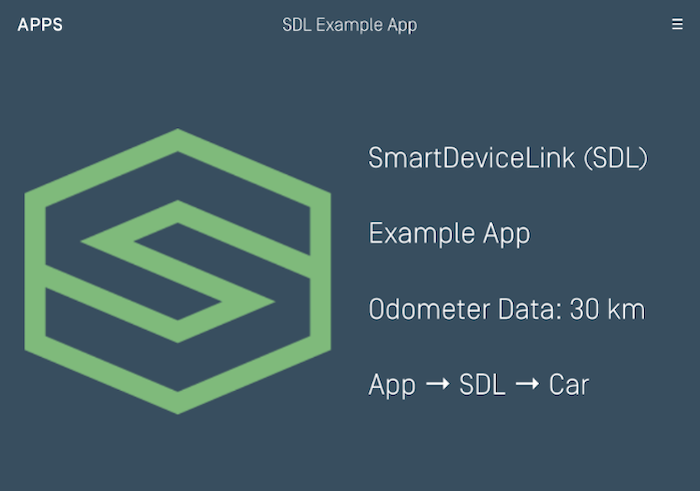
Text with Graphic
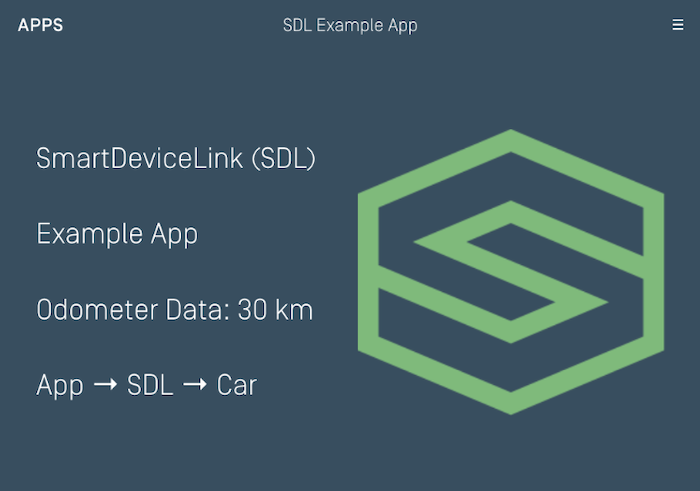
Tiles Only
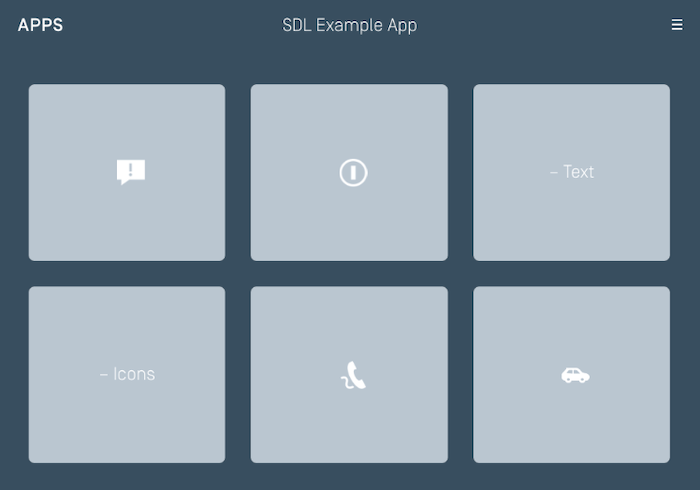
Graphic with Tiles
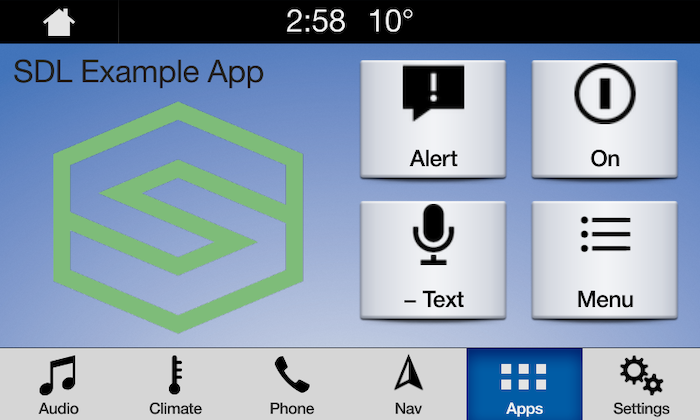
Tiles with Graphic
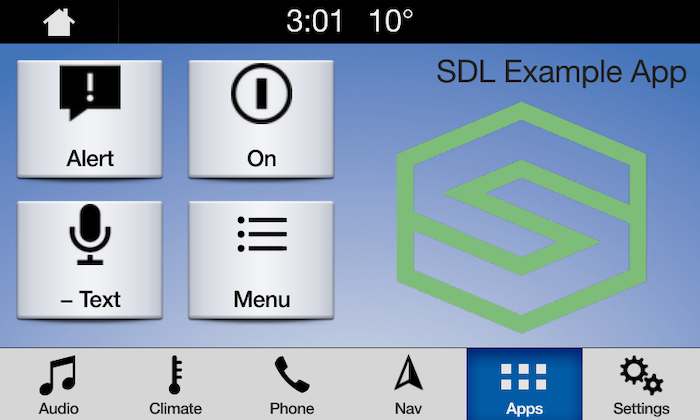
Graphic with Text and Soft Buttons
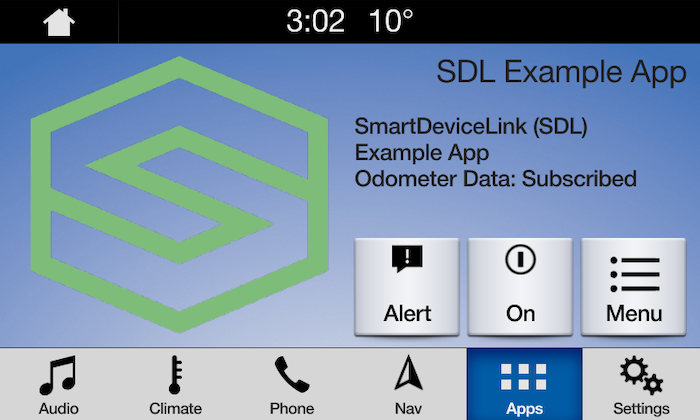
Text and Soft Buttons with Graphic
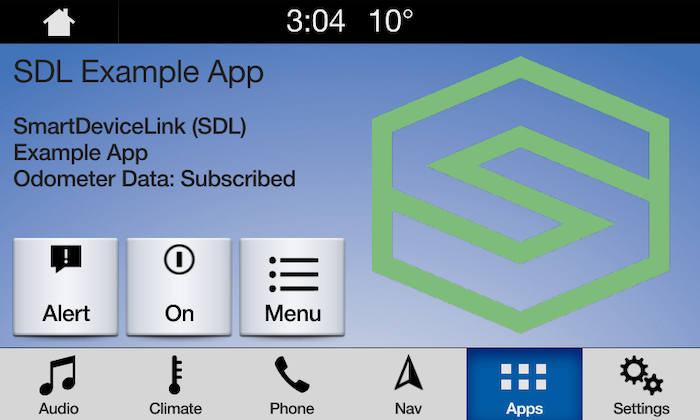
Graphic with Text Buttons
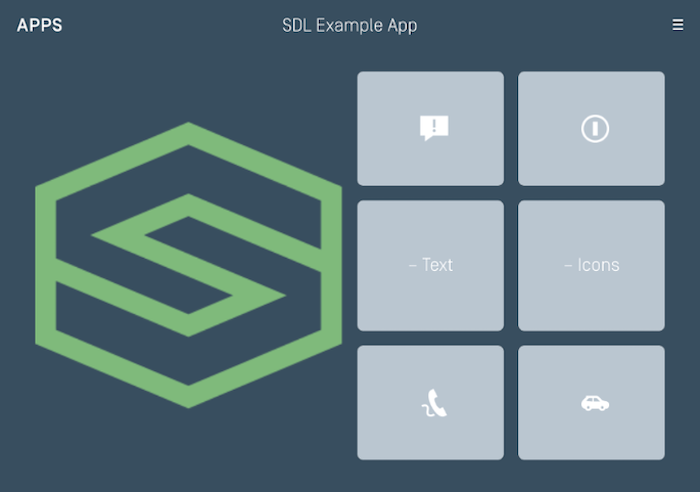
Double Graphic with Soft Buttons
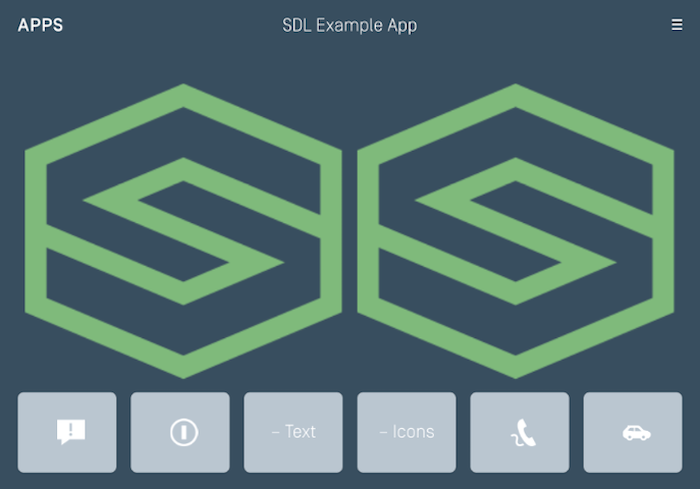
Text Buttons with Graphic
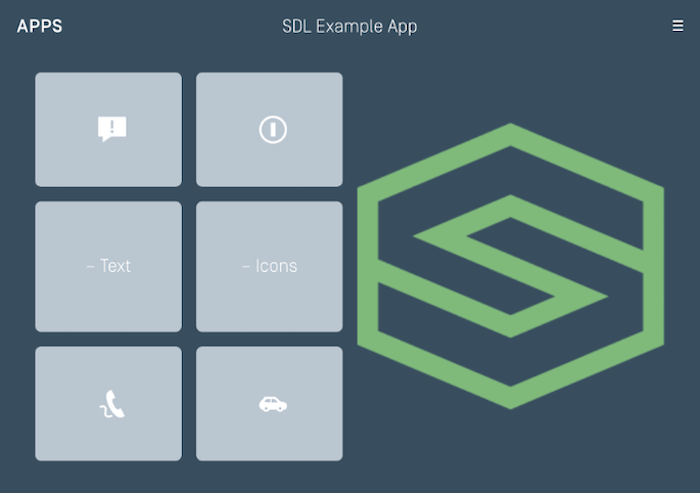
Text Buttons Only
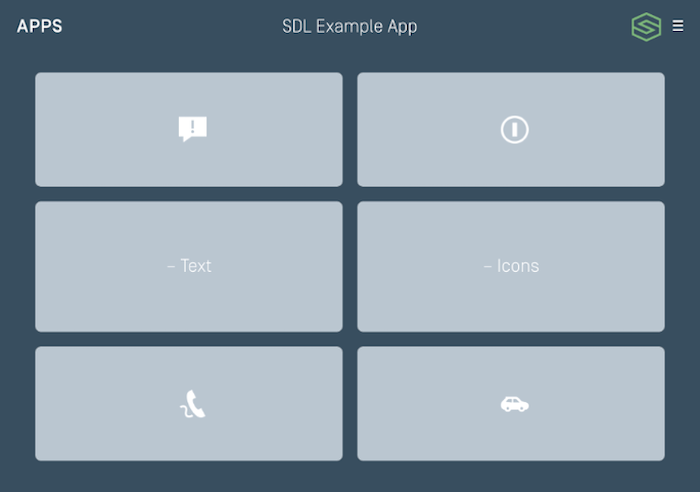
Large Graphic with Soft Buttons
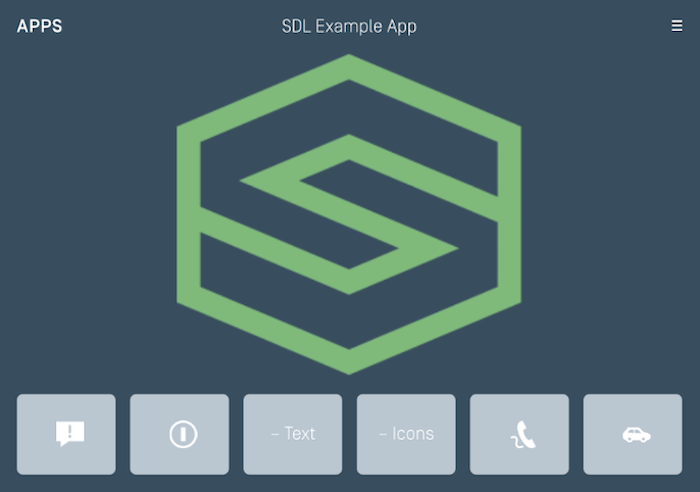
Large Graphic Only